Coding
Claude Code, Terminal, browser preview, docs, and editor windows activated as one task.

Workspace Manager
Drag the windows that belong to the same task into one workspace, then bring them forward together from the Dock. It is especially useful for coding sessions where Claude Code, Terminal, browser docs, and editor windows need to stay connected.
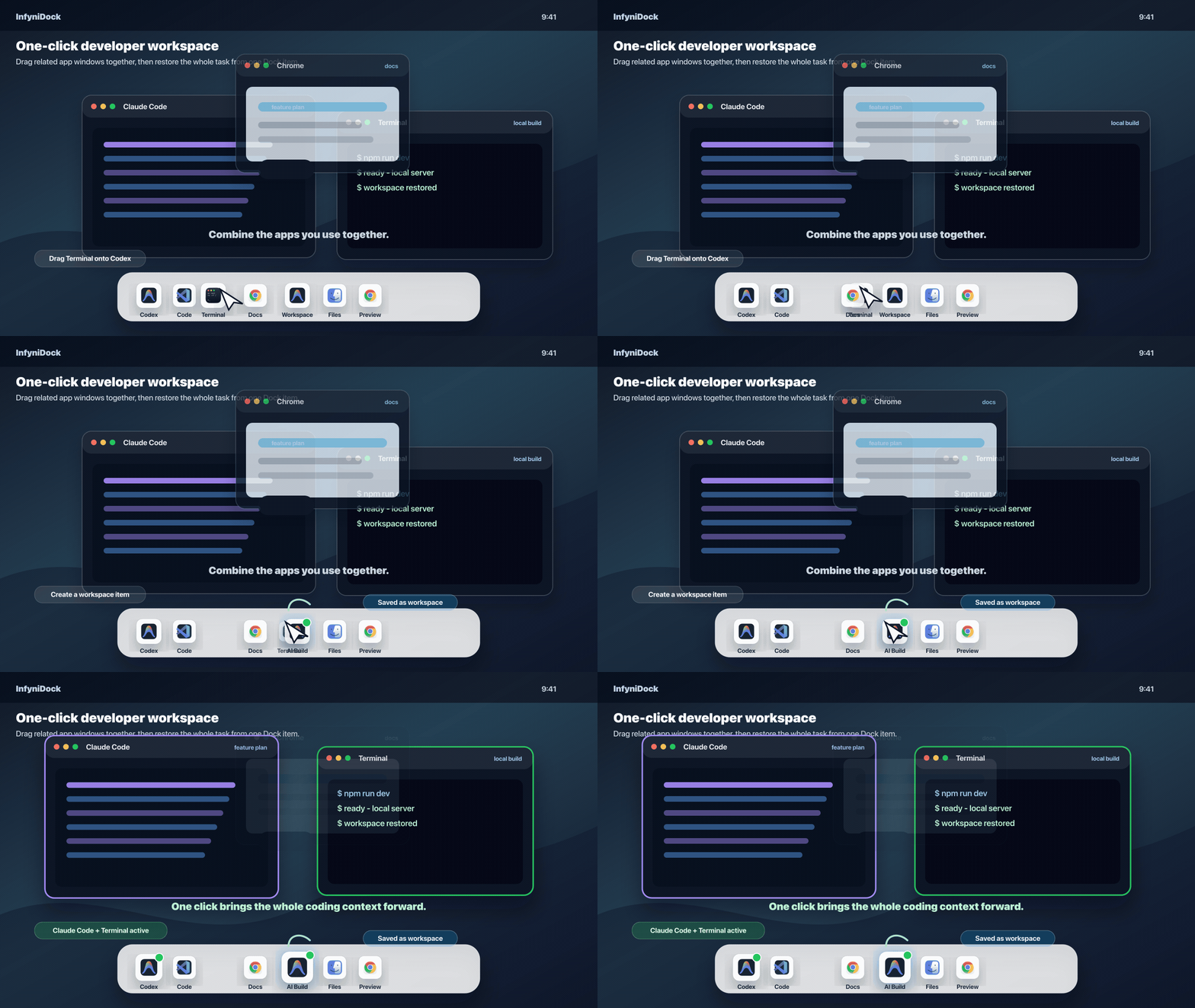
macOS Spaces separate screens. InfyniDock workspaces separate intentions: coding, debugging, reviewing, planning, or communicating. If two windows always work as a pair, make them one Dock target and get back to work with one click.
Claude Code, Terminal, browser preview, docs, and editor windows activated as one task.
Browser windows, notes, PDFs, Finder folders, and reference tools grouped together.
Chat, CRM, browser dashboards, logs, and documentation restored for customer work.
Editor, outline, references, preview, and communication windows kept as one focus mode.